TL;DR. ClickUp ends up as the operations hub for most service-business SMBs because it's the only tool that holds projects, tasks, docs, and forms in one place — and as of 2026, it claims 1,000+ integrations plus Brain MAX as a contextual AI layer. But the value isn't in ClickUp; it's in the nine tools that feed it. Wire CRM → ClickUp first, then time-tracking → billing, then docs. Skip email-sync, native Salesforce, Notion mirroring, and HR tools. The Operations & PM tools directory tracks which ClickUp adjacencies have native integrations versus needing an iPaaS.
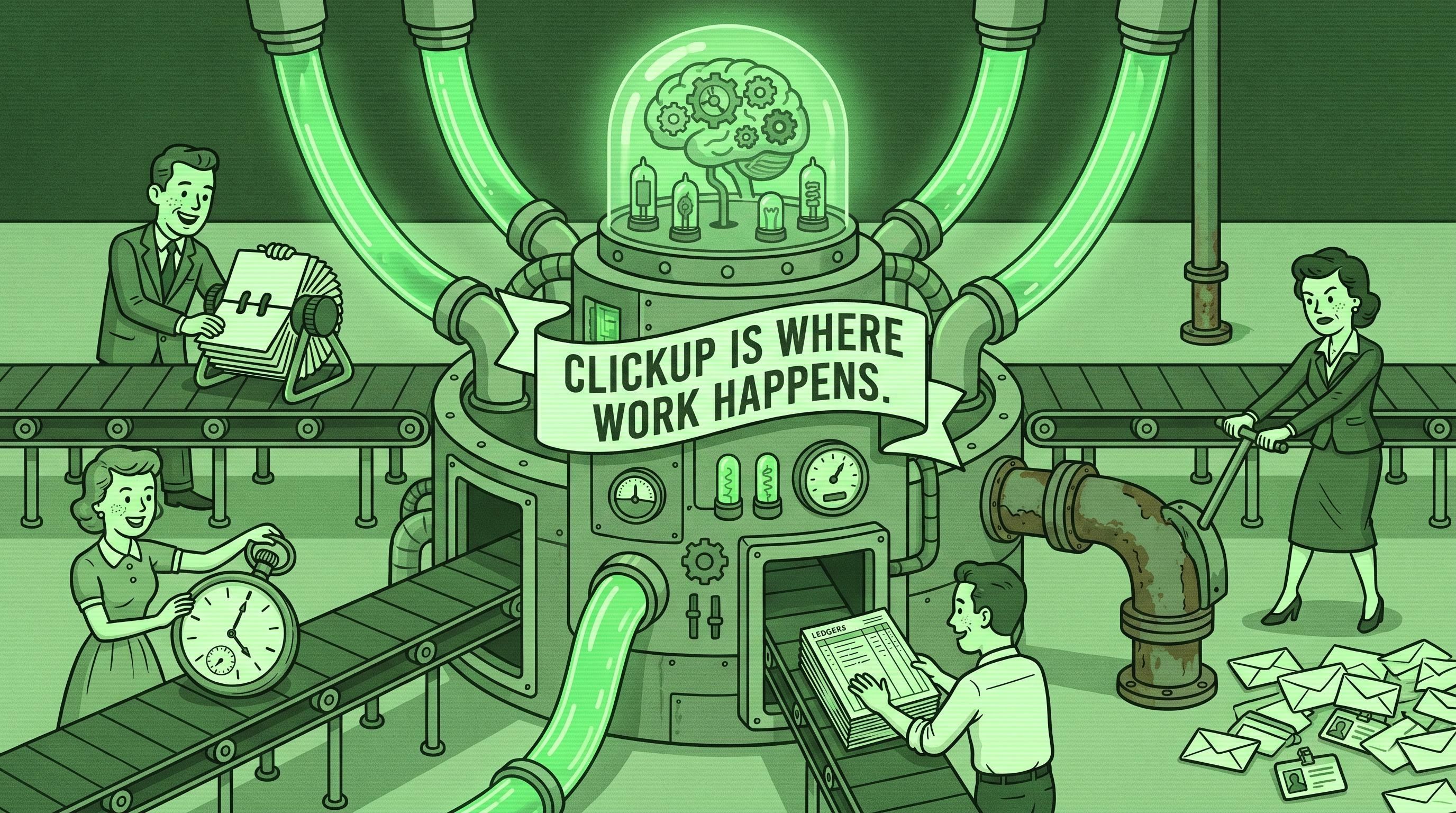
ClickUp is where work happens.
That's true for almost every services business we audit between five and a hundred employees. Not because ClickUp is the best tool for any single job — it isn't — but because it's the only tool that holds a project plan, the tasks underneath it, the design doc beside it, and the intake form that started it, all under one roof. At five-plus active projects across two-plus teams, that collapse is what owners pay for.
The problem is what sits next to it. Sales lives in HubSpot. Money lives in QuickBooks. Time lives in Harvest. Documents live in Google Drive. None of them were ever introduced to ClickUp — and the cost of that quiet disconnect is what this article is about.
This is the third piece in our "9 Tools Around X" series, after QuickBooks and HubSpot. It's the operations companion to our Systems Integration Guide for SMBs.
Why ClickUp ends up as the operations hub
ClickUp wins SMB operations because it holds project, task, document, and form data in one workspace without forcing teams into Slack-style fragmentation. The pattern shows up at a specific threshold: five-plus active projects across two-plus teams, where a flat tool like Trello stops scaling and a docs-first tool like Notion stops giving you real Gantt timelines.
Below that threshold, ClickUp is overkill. Above it, the tradeoffs flip. You need hierarchy, multiple views of the same data (List, Board, Gantt, Timeline), custom fields per project, and forms that turn external requests into internal tickets. ClickUp does all four; almost no other tool does all four at SMB pricing.
Per G2's ClickUp vs. Asana comparison, ClickUp scores 4.7/5 versus Asana's 4.3/5, and 78.4% of ClickUp's user base is small business compared to Asana's 56.8% — meaning ClickUp has effectively won the SMB segment, even though Asana remains a Gartner Magic Quadrant Leader in mid-market. ClickUp now serves over 20 million users at roughly $300M in annual revenue.
The catch is ClickUp's single biggest weakness: it is general-purpose. It does not know your customer is also in HubSpot. It does not know the hours logged on a task should become a line item on a QuickBooks invoice. Every one of those connections is on you. And almost no SMB owner has wired any of them.
The 9 tools every ClickUp SMB ends up bolting on
These are the nine tools we see orbiting ClickUp in nearly every audit of a $1M–$15M services business. The order matches adoption sequence, not integration order (we get to that below).
1. CRM — HubSpot or Pipedrive
What it adds. A place for sales to live that isn't a project tool — pipeline stages, deal value, forecast.
What breaks without integration. Closed-won deals don't become projects. Sales celebrates a signed contract; three days later delivery learns about it from a forwarded email. Kickoffs run late.
Simplest path. HubSpot's native ClickUp integration, or Zapier for branching logic. For Pipedrive, the Zapier connector handles "deal closed → create project." Highest-ROI ClickUp integration and almost always the first to build.
2. Accounting — QuickBooks or Xero
What it adds. Invoices, payments, profitability.
What breaks without integration. Project hours never become invoices. Account managers don't know which projects are over-budget. Profitability becomes a spreadsheet exercise that happens twice a year, badly.
Simplest path. ClickUp ↔ QuickBooks has no great native option — the most-asked-about gap in the ecosystem. Build via Zapier or Make, wiring "task marked Complete" or "time entry approved" to "create invoice line item." Two to four hours of setup; pays back in not-missed-invoices.
3. Team comms — Slack or Microsoft Teams
What it adds. Real-time conversation. Nobody reads ClickUp comments the way they read Slack.
What breaks without integration. Either notifications drown the team, or important task updates die unread inside ClickUp. The second failure mode is more dangerous because it's silent.
Simplest path. ClickUp's native Slack integration pushes selective events into specific channels. Configure it for one Space, one event type ("In Review" or "Blocked" status changes), one channel. Expand from there. Most teams over-configure in week one and turn it off in week two.
4. Time tracking — Harvest or Toggl
What it adds. Billable hour capture with reporting depth ClickUp's native tracker can't match.
What breaks without integration. ClickUp's native time tracker is fine for solo operators. For agencies running fixed-fee versus T&M across multiple clients, dedicated tools win on reporting. Without integration, hours live in two places and someone reconciles them weekly.
Simplest path. Harvest's ClickUp integration and Toggl's ClickUp browser extension both let people start a timer from a ClickUp task — the timer logs to Harvest/Toggl with the ClickUp task ID attached. Pull reports from Harvest/Toggl. ClickUp is the timer interface; Harvest is the system of record.
5. Document storage — Google Drive or OneDrive
What it adds. ClickUp Docs are fine for internal SOPs; they are not where you write client deliverables.
What breaks without integration. Project docs end up in three places — ClickUp Docs, the shared Drive folder, someone's email. Version control becomes a guessing game.
Simplest path. ClickUp's Drive and OneDrive integrations attach files to tasks and preview inline. Discipline: ClickUp holds the link, Drive holds the file. Don't upload directly to ClickUp — you'll create a duplicate that drifts.
6. Async video — Loom or Fathom
What it adds. Async standups, walkthrough recordings, AI meeting summaries — the single biggest unlock for distributed SMB teams.
What breaks without integration. Loom recordings live in Loom. Fathom notes live in Fathom. Neither shows up next to the project they're about, so nobody watches them.
Simplest path. Loom's native ClickUp embed puts recordings inline in tasks — record once, paste once, everyone on the project can watch. Fathom posts AI-generated meeting summaries to ClickUp via Zapier when a tagged client meeting finishes. Video lives where the work lives, not in a separate app.
7. iPaaS — Zapier, Make, or n8n
What it adds. The connective tissue. Anything ClickUp doesn't have a native integration for runs through here.
What breaks without integration. This is integration. Without an iPaaS layer, half the connections in this article are impossible.
Simplest path. Zapier is easiest and has the deepest ClickUp coverage. Make is more flexible for branching logic. n8n is self-hostable, cheaper at scale, the right call above 1,000 tasks/month. Start with Zapier Professional ($19.99/month, 750 tasks per Zapier's 2026 pricing). ClickUp itself ships with a native Automations engine — use it for intra-ClickUp logic; use the iPaaS for inter-tool logic.
8. Scheduling — Calendly or Cal.com
What it adds. Client-facing booking — kickoffs, check-ins, discovery calls.
What breaks without integration. Booked meetings don't appear as ClickUp tasks. Discovery-call notes never make it to the project created from the deal.
Simplest path. Both integrate via Zapier. When a client books, create a ClickUp task on the project's "Client Meetings" list with booking details and the meeting-notes link. Add a custom field for meeting type so project history is self-documenting.
9. Engineering — GitHub, GitLab, or Linear
What it adds. Version control and dev-grade ticket tracking. ClickUp's dev features are usable; they are not Linear.
What breaks without integration. ClickUp lives at the company layer; engineering uses Linear or GitHub Issues at the dev layer. The gap between "ship feature X" in ClickUp and the actual PRs is invisible to non-engineers.
Simplest path. ClickUp's native GitHub integration syncs PRs, branches, and commits to tasks. Linear ↔ ClickUp goes through Zapier — wire "Linear issue closed" to "ClickUp task Done." For a single dev team, pick one — running two is double work.
The 4 tools you should NOT integrate with ClickUp
The cost of bad integrations is worse than no integration. These four come up in every "should we connect this?" conversation; the answer is almost always no.
Email (Gmail / Outlook). ClickUp's email integration imports emails as tasks. It works. Don't turn it on bidirectionally — every cc and newsletter ends up as a half-formed task. Use email rules instead: when a specific client sender hits, forward to ClickUp's project-specific email-to-task address. Tight loop, low noise.
Salesforce (natively). ClickUp ships a Salesforce integration. For SMBs, ignore it. If you're running Salesforce, you're either large enough to use a proper iPaaS or small enough that HubSpot would have been the better choice. Selective Zapier events (closed-won → project) are enough.
Notion (as a doc store). The most common mistake we see. Teams adopt ClickUp for projects, keep Notion for docs, try to mirror them. Result: double-source-of-truth chaos. Pick one. For most SMBs: ClickUp Docs next to projects, Google Drive for client deliverables, nothing in Notion.
HR / payroll (Gusto, Rippling, BambooHR). No useful project ↔ HR data flow exists at SMB scale. The only field anyone wants is "is this person available?" — your PM already knows. Don't waste a Zapier seat syncing PTO to Capacity views.
Integration order: which to wire first for fastest payback
The order in which you build these connections matters more than which platform you use.
1. CRM → ClickUp (week one). Always first. Closed-won deals becoming ClickUp projects is the highest-visibility integration in the stack — sales sees it work, delivery sees it work, the owner sees it work. ROI is a faster kickoff cycle, measurable in week three.
2. Time tracking → billing (week two to four). Harvest or Toggl hours flowing into QuickBooks invoices via project name. The single biggest revenue-recovery integration on the list — most agencies under-bill by 5–15% before this is wired.
3. Documents (week four). Google Drive into ClickUp tasks. An hour of setup; the discipline payoff (one place to find the file) compounds.
4. Async video and Slack (month two). Loom or Fathom plus selective Slack notifications. Don't do these in week one — your team needs to feel the absence of these connections first, otherwise they over-configure and turn it off.
5. iPaaS layer (month two to three). Zapier or Make. Don't pay for it before you have at least three Zaps actively running.
6. Scheduling and engineering (month three plus). Calendly and GitHub. Valuable, not urgent.
When the first three are in place, daily life changes — closed deals become projects without a manual handoff, hours become invoices without a Friday spreadsheet, files live one click from the task.
Native vs. iPaaS vs. ClickUp Automations: when to use each
For ClickUp specifically, there are three integration paths.
ClickUp Automations (intra-ClickUp logic). ClickUp ships with 1,000+ native automation actions inside ClickUp — "when status changes to X, assign to Y," "when due date passes, set priority to Urgent." Use these for any logic entirely inside ClickUp. Free on Unlimited and above, fast, and don't count against iPaaS task limits. Most users never turn them on; they're the cheapest productivity unlock in the platform.
Native integrations (vendor-built). Default for ClickUp ↔ Slack, GitHub, HubSpot, Google Drive, Loom, Harvest — all maintained by ClickUp or the vendor, all free with the subscription. Use native whenever it exists. Per ClickUp's integrations page, the platform claims 1,000+ integrations including roughly 80 named native ones.
iPaaS (Zapier, Make, n8n). Use an integration platform when there's no native option (the QuickBooks case), when you need branching logic, or when you need to chain three or more tools.
ClickUp Brain MAX (the 2026 wildcard). Per ClickUp's Brain MAX page, the Brain MAX desktop app launched in mid-2025 and adds cross-tool search across ClickUp + Google Drive + GitHub + OneDrive plus voice dictation. $9/user/month annually, multi-model (GPT-5, Claude Opus, Gemini 2.5 Pro). Brain MAX isn't a workflow integration; it's a search and AI layer that queries connected tools. Useful, not a substitute for the integrations above.
Most common mistake: iPaaS-everywhere. Owners learn Zapier exists and wire every connection through it, including ones with good native equivalents. That gets expensive and brittle. Check the native option first.
The 3 most common ClickUp integration failures
ClickUp integrations break. Not in week one — in month nine or fourteen, exactly when you've forgotten how they were built. These three failure modes account for most of what we fix on audits.
Status sync drift. The most common ClickUp failure. Your CRM has "Closed-Won → Onboarding → Active → Renewal." ClickUp has "To Do → In Progress → Review → Done." The integration was built when you had two CRM stages and three statuses. Three months later, sales added "Onboarding" and ClickUp got "Blocked." Now the mapping is wrong and projects sit in the wrong status. How to avoid it. Document the mapping in a one-paragraph runbook in ClickUp's Operations Space. Whenever someone changes a stage or status, update the runbook and the integration in the same hour.
Custom field type mismatches. ClickUp custom fields have explicit types — Number, Text, Dropdown, Money, Date. The integration was built when the field was Text; six months later, a power user changed it to Dropdown. The Zap silently fails because "Acme Corp" is not a valid Dropdown option. How to avoid it. Lock the type of any custom field an integration touches — admin-only edit, document why in the field description, turn on iPaaS error notifications.
Automation infinite loops. The most expensive failure mode. ClickUp Automation says "when status changes to Done, post to Slack." Slack integration says "when message is posted in #project-updates, create a task." The task is created with status To Do, edited to Done, which posts to Slack, which creates a task... Most teams hit one infinite loop the hard way. How to avoid it. Never have Automation A trigger Automation B that can re-trigger A. Diagram the loop on paper before you build the second leg. If the diagram has a cycle, redesign.
A quarterly 30-minute audit — last sync dates, error counts, automation runs that fired more than 100 times in a day — catches all three before they become customer-facing.
What to do this week
If you're a ClickUp user and you read this far, here's the move.
- List every tool that touches project, customer, or financial data. Be honest about which actually feed work into ClickUp versus which are silos.
- Identify the two integrations that would change daily life. Almost always: CRM → ClickUp project creation, and time tracking → billing. Build those two. Nothing else.
- Check ClickUp's integrations directory and the partner's marketplace first. If a native integration exists and is well-rated, use it.
- For the gaps, set up Zapier or Make and build one connection — not five. Run it on real data for two weeks before adding the next.
- Write a one-paragraph runbook for every integration in a ClickUp Doc inside an Operations Space everyone can find.
If this still feels overwhelming, that's exactly what our free Stack Audit is for — 30 minutes, no pitch, we tell you which two ClickUp integrations to wire first based on where the operational pain is loudest.
The ClickUp tool page in our directory tracks integration depth, and the ClickUp vs. Asana comparison is the head-to-head we run most often for SMB owners. Browse the rest of the Operations & PM tools we've reviewed before your next stack decision.
Frequently asked questions
What's the best CRM to integrate with ClickUp?
For most SMBs, HubSpot. HubSpot has a native ClickUp integration built jointly, it covers the deal-stage triggered project creation that 90% of the use case requires, and HubSpot's free CRM tier means you don't pay extra to get the integration working. Pipedrive is a fine alternative — Pipedrive ↔ ClickUp via Zapier handles the same triggers. Skip Salesforce ↔ ClickUp native; at SMB scale, run Salesforce events through Zapier selectively.
Should I use ClickUp's native time tracking or Harvest/Toggl?
For solo operators billing fewer than five clients, ClickUp's native time tracking is fine — included on Unlimited ($7/user/month per ClickUp's pricing) and above. For agencies running fixed-fee versus T&M across multiple clients, switch to Harvest or Toggl. The reason isn't ClickUp's tracker (it works); Harvest and Toggl have stronger billing reports and direct QuickBooks/Xero invoicing. Treat them as the system of record for billable hours and ClickUp as the timer interface.
Does ClickUp replace project management for engineering teams?
Usually not. ClickUp is excellent at the company layer — sales, marketing, operations — and weaker at the engineering layer. Linear, GitHub Issues, and Jira are purpose-built for engineering workflows in ways ClickUp's native dev features can't fully match. The pattern that works: ClickUp at the company layer for cross-functional projects, Linear at the dev layer, and a one-way integration that pushes "Linear issue closed" → "ClickUp task done" so non-engineers see progress.
How do I keep ClickUp integrations from breaking?
Three habits. Lock the types of custom fields that integrations touch — admin-only edit. Set a 60-day calendar reminder to verify "last successful sync" on every integration. Document each integration in a one-paragraph runbook in an Operations Space ClickUp Doc. A 30-minute quarterly audit catches the three most common failure modes before they become customer-facing.
About the author. Alejandro Morales is a senior operations consultant and systems architect at STOA Digital Solutions. STOA helps SMB owners ($500K–$20M revenue) choose the right software, connect it, automate routine work, and build operations that don't depend on the owner being in every meeting. Based in the Triangle, NC; serving the US.
Sources cited.
- ClickUp — Integrations directory (2026). 1,000+ integrations claim and named native partners. https://clickup.com/integrations?utmsource=stoa-agency&utmmedium=referral&utm_campaign=9-tools-around-clickup
- ClickUp — Brain MAX (2026). Multi-model AI, cross-tool search, $9/user/month pricing. https://clickup.com/brain/max?utmsource=stoa-agency&utmmedium=referral&utm_campaign=9-tools-around-clickup
- ClickUp — Pricing page (2026). Free / Unlimited $7 / Business $12 / Business Plus $19 tier structure. https://clickup.com/pricing?utmsource=stoa-agency&utmmedium=referral&utm_campaign=9-tools-around-clickup
- G2 — Asana vs. ClickUp comparison (2026). 4.7/5 vs. 4.3/5 ratings; SMB market segment data. https://www.g2.com/compare/asana-vs-clickup?utmsource=stoa-agency&utmmedium=referral&utm_campaign=9-tools-around-clickup
- Zapier — Plans & Pricing (2026). Professional $19.99/month / 750 tasks; ClickUp connector availability. https://zapier.com/pricing?utmsource=stoa-agency&utmmedium=referral&utm_campaign=9-tools-around-clickup